From installation steps to VESA measurement, wall types to mount selection — every guide you need on one page.
Safe installation in four steps
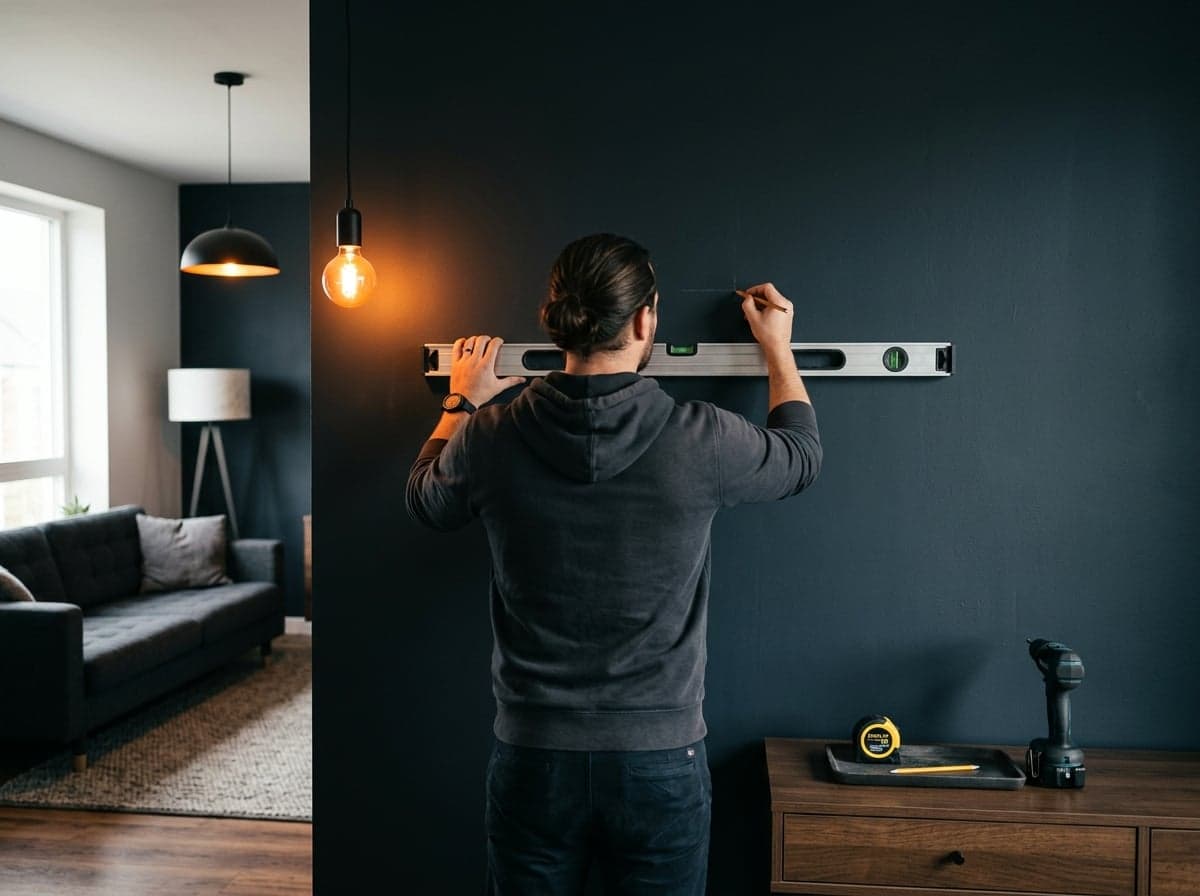
Pick the Spot
Screen center should sit at seated eye level (~100-110 cm from the floor). Check for in-wall utilities.
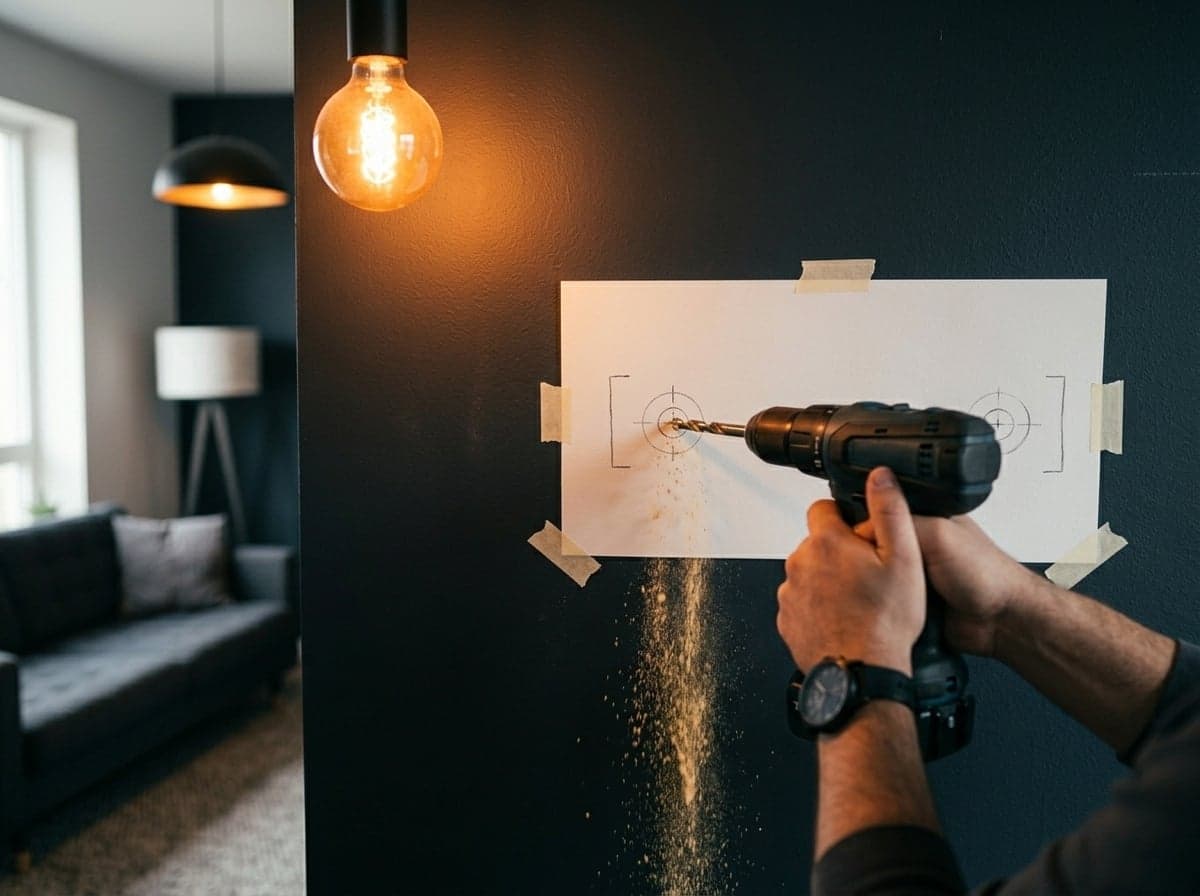
Drill with the Template
Level and mark the wall plate; drill with a bit suited to your wall type.
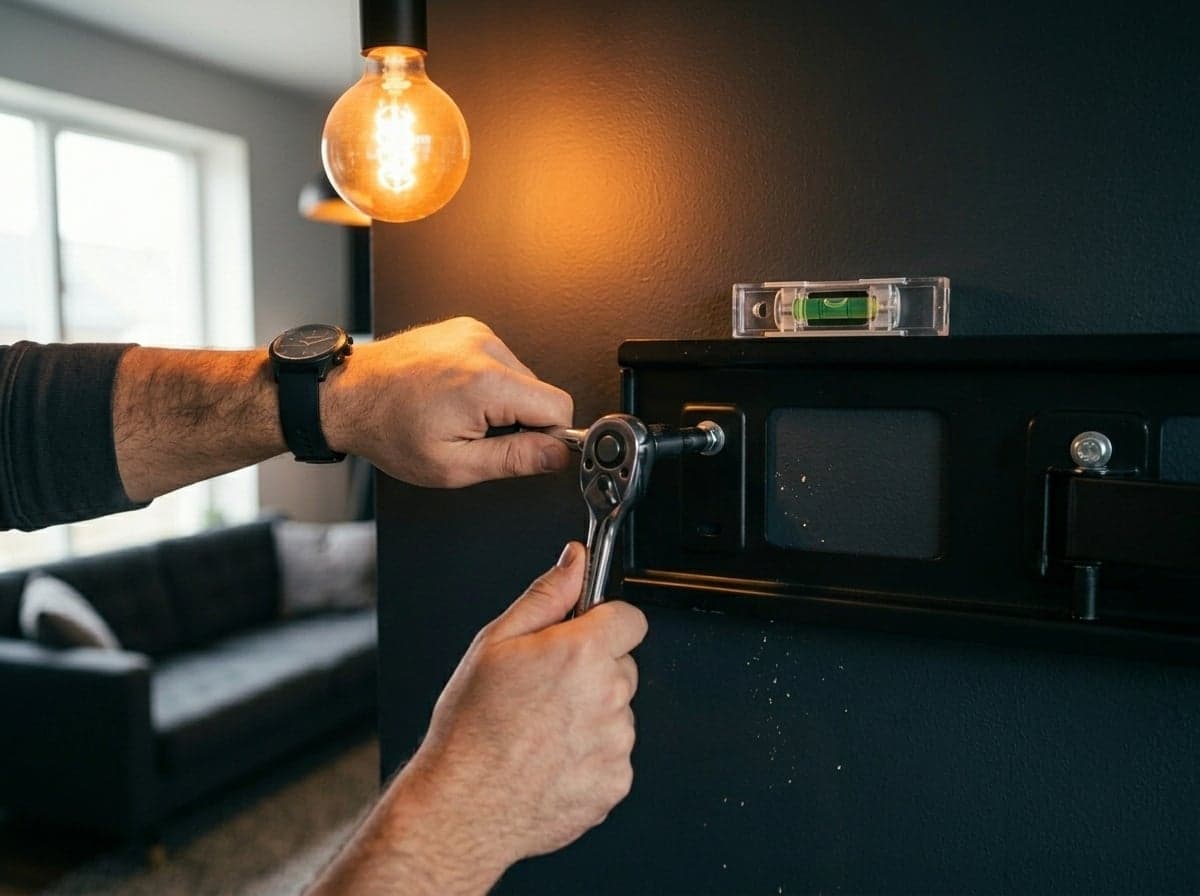
Fix the Plate
Tighten the wall plate with the anchors and screws from the box; check every screw.
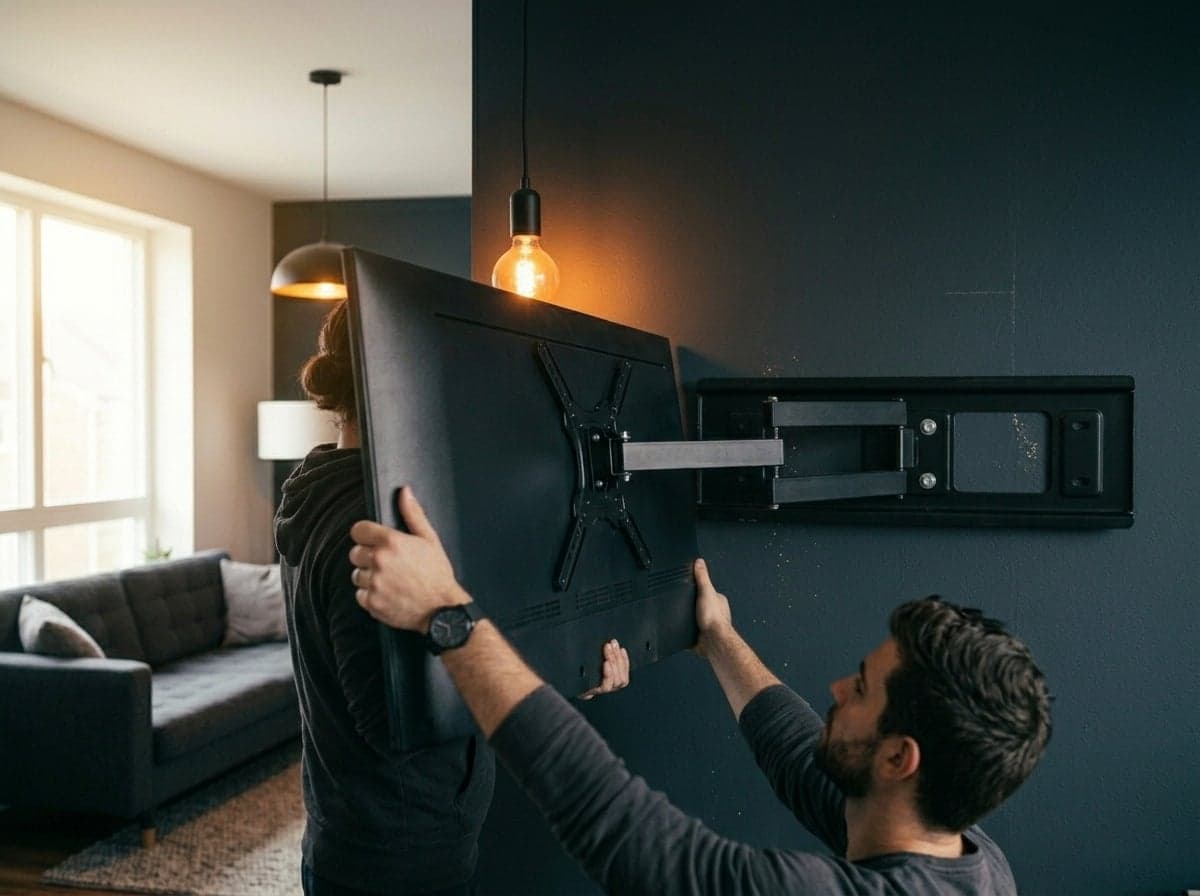
Hang the TV
Attach the VESA arms to the TV, seat the screen on the plate; engage the lock if present. Use two people for large screens.
The right anchoring for your wall
Concrete
The strongest base. Mounts directly with the steel anchors from the box.
Solid Brick
Secure with standard anchors; drill into the brick, not the mortar joints.
Aerated Concrete
Requires chemical or winged anchors made for AAC; increase the number of fixing points.
Drywall
NOT load-bearing on its own. The bracket must be fixed to the stud behind or to concrete.
Find your VESA size in 30 seconds
VESA is the horizontal × vertical spacing (mm) of the four mounting holes on the back of your TV. E.g. 200x200 = 20 cm between holes.
To measure: use a ruler between the two top holes, and between a top and bottom hole. Most TV manuals also list it.
Not sure? Use the VESA filter in the Mount Finder — only compatible models get listed.
Mount types side by side
Wall distance, movement and ideal use — the four mount types placed side by side.
| Feature | |
|---|---|
| Wall distance | 30–35 mm |
| Movement | — |
| Installation | Easy |
| Ideal use | Eye-level straight viewing |
| See models |
Frequently asked questions
The questions we get most — from choosing a bracket to installation, warranty and dealership.
The model that satisfies all three: screen size (inch), weight (kg) and VESA pattern. Enter these into the Mount Finder; compatible models are listed instantly.
13 / 13
Let's choose the right mounting solution for your project
Our team replies to bulk purchase, dealership and OEM production requests the same day.